Showing posts with label textures. Show all posts

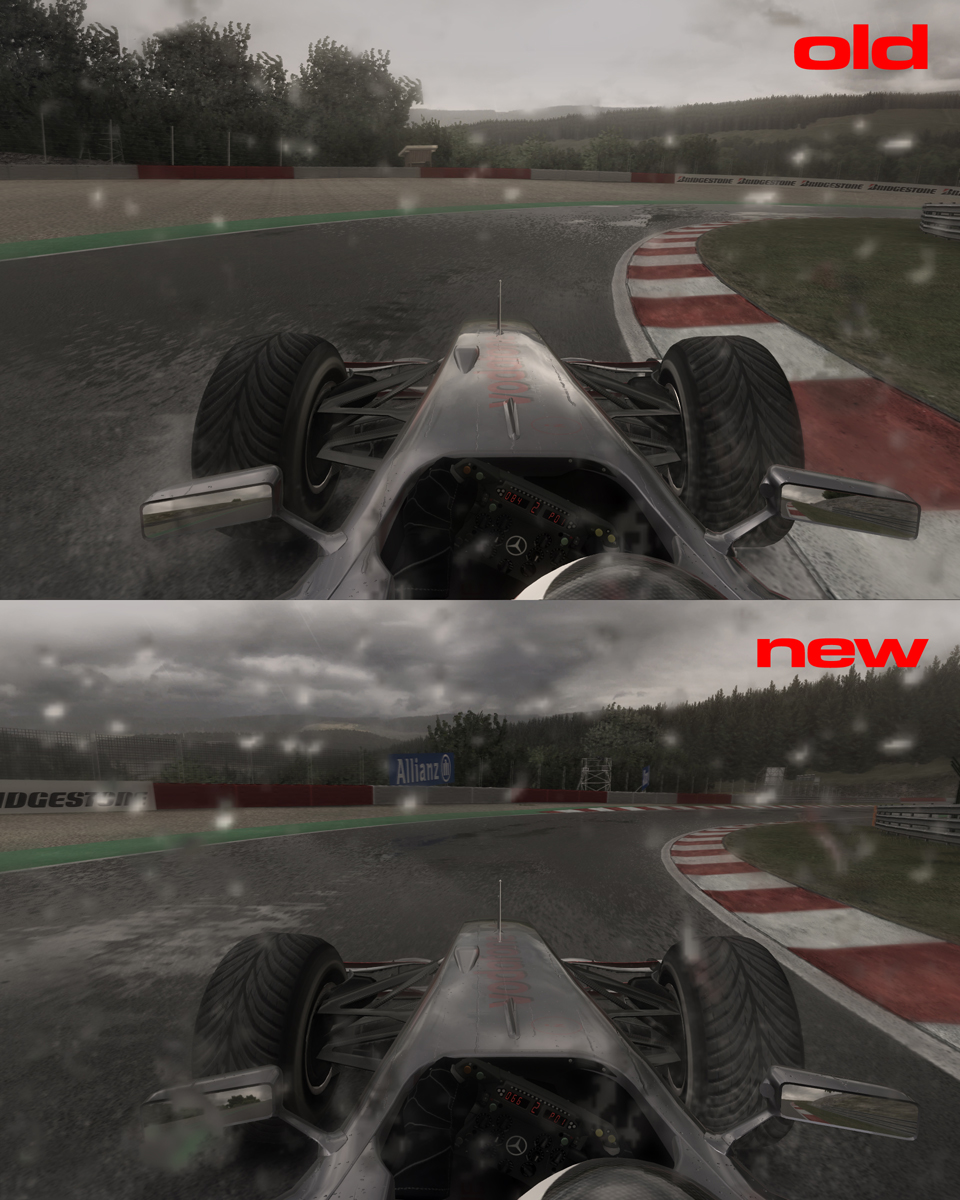
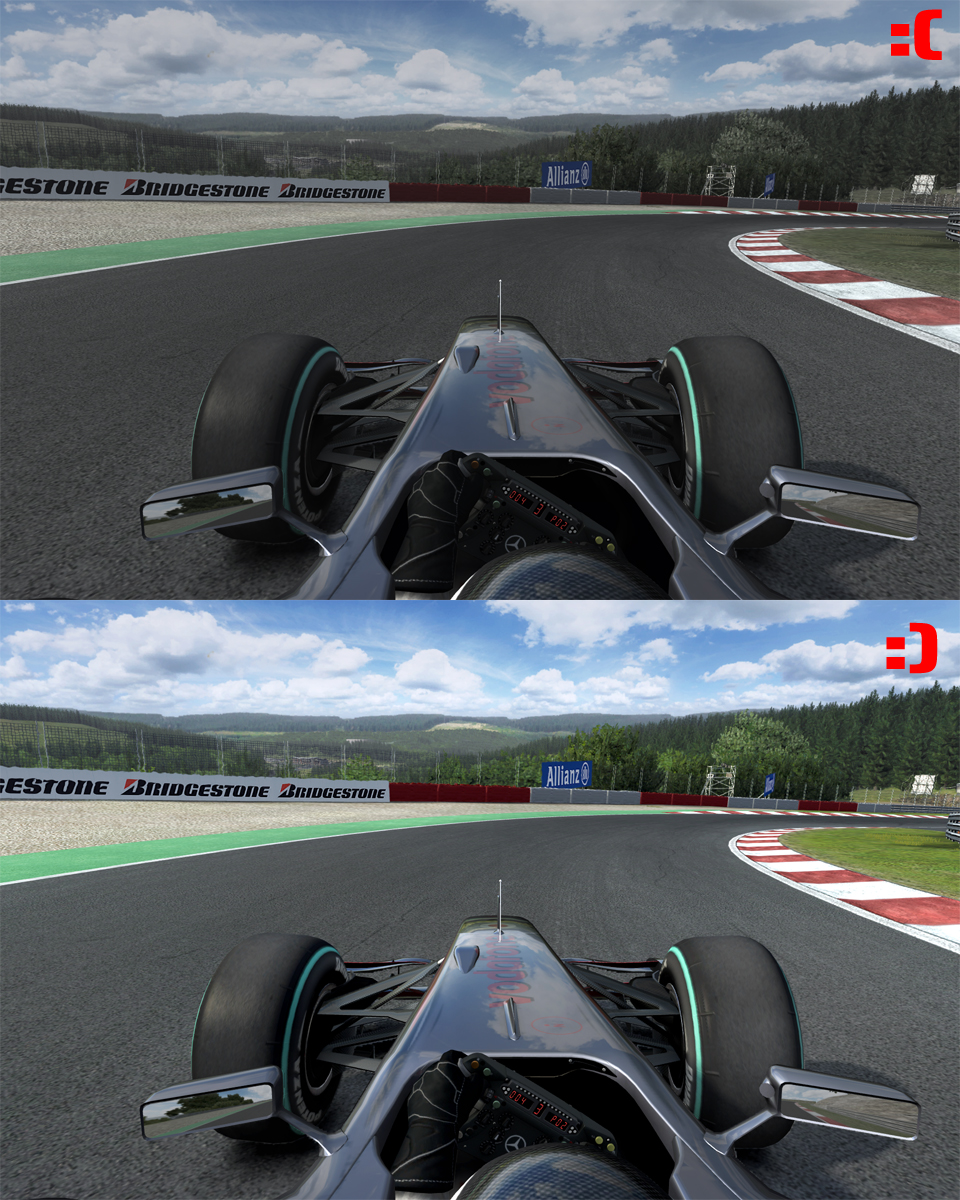
[F1 2010] Spa new sky Textures

Testing some new textures..


The lighting is still way to dark though.
It would look so much better if it was a bit brighter and the colors were more vibrant.

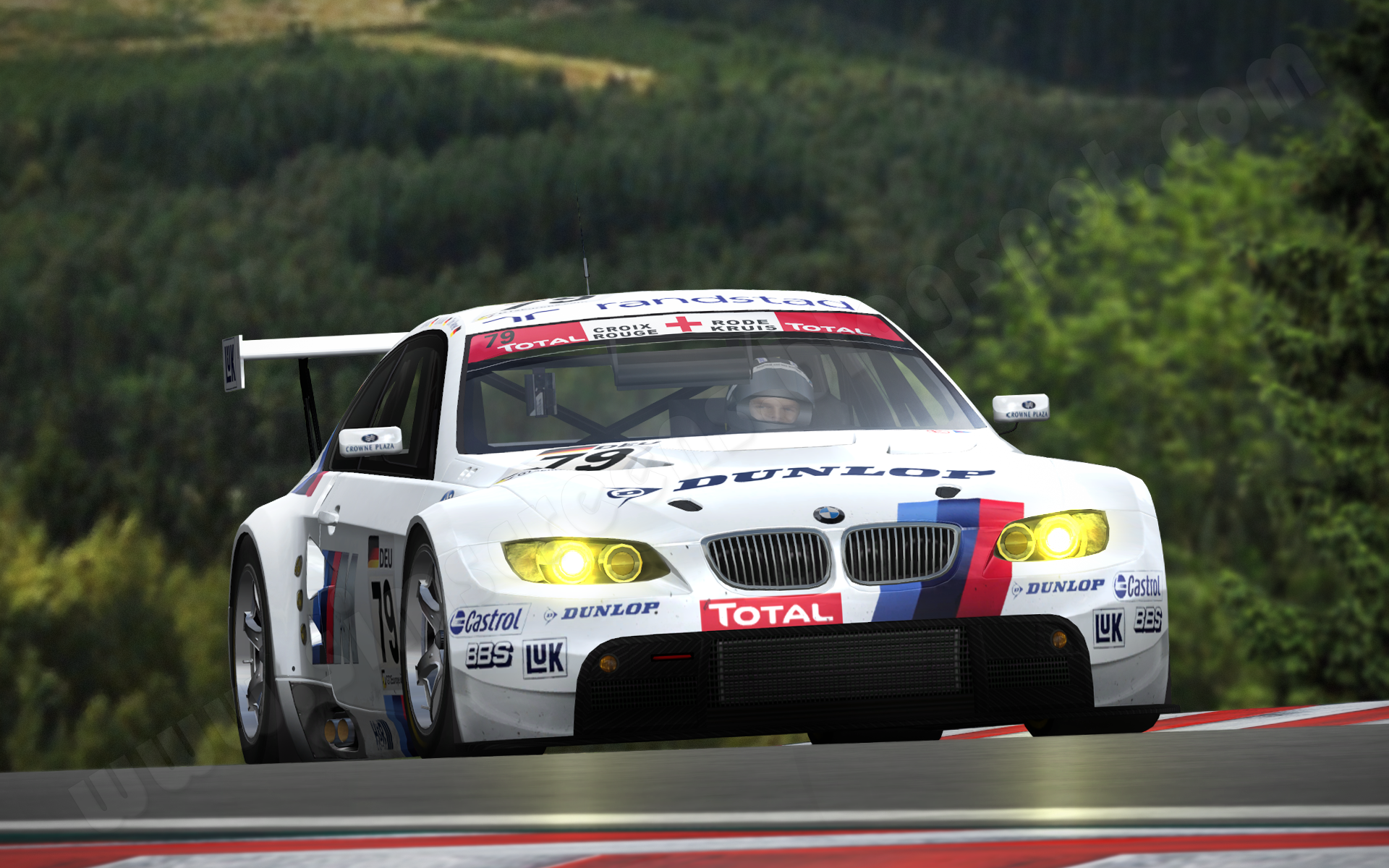
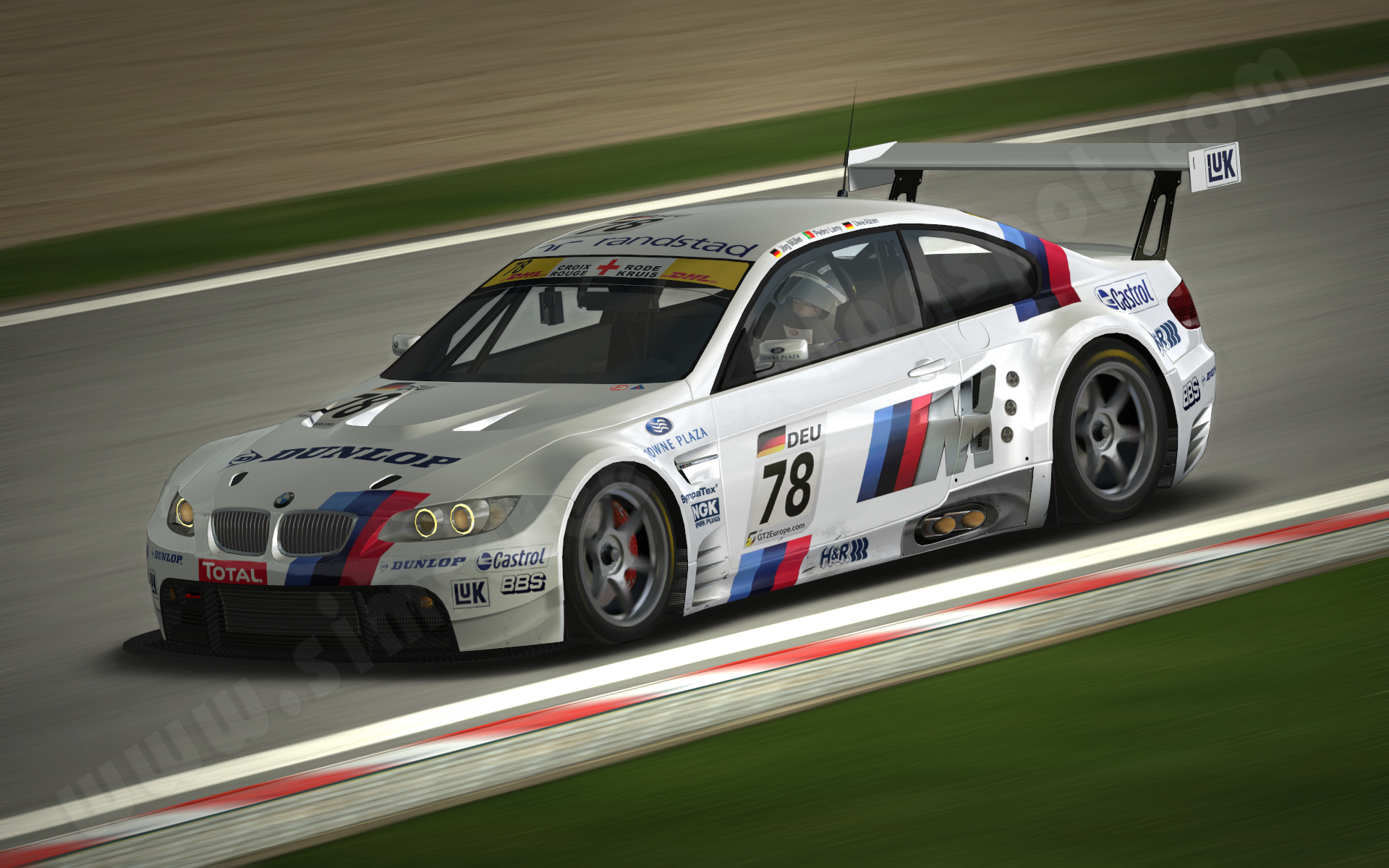
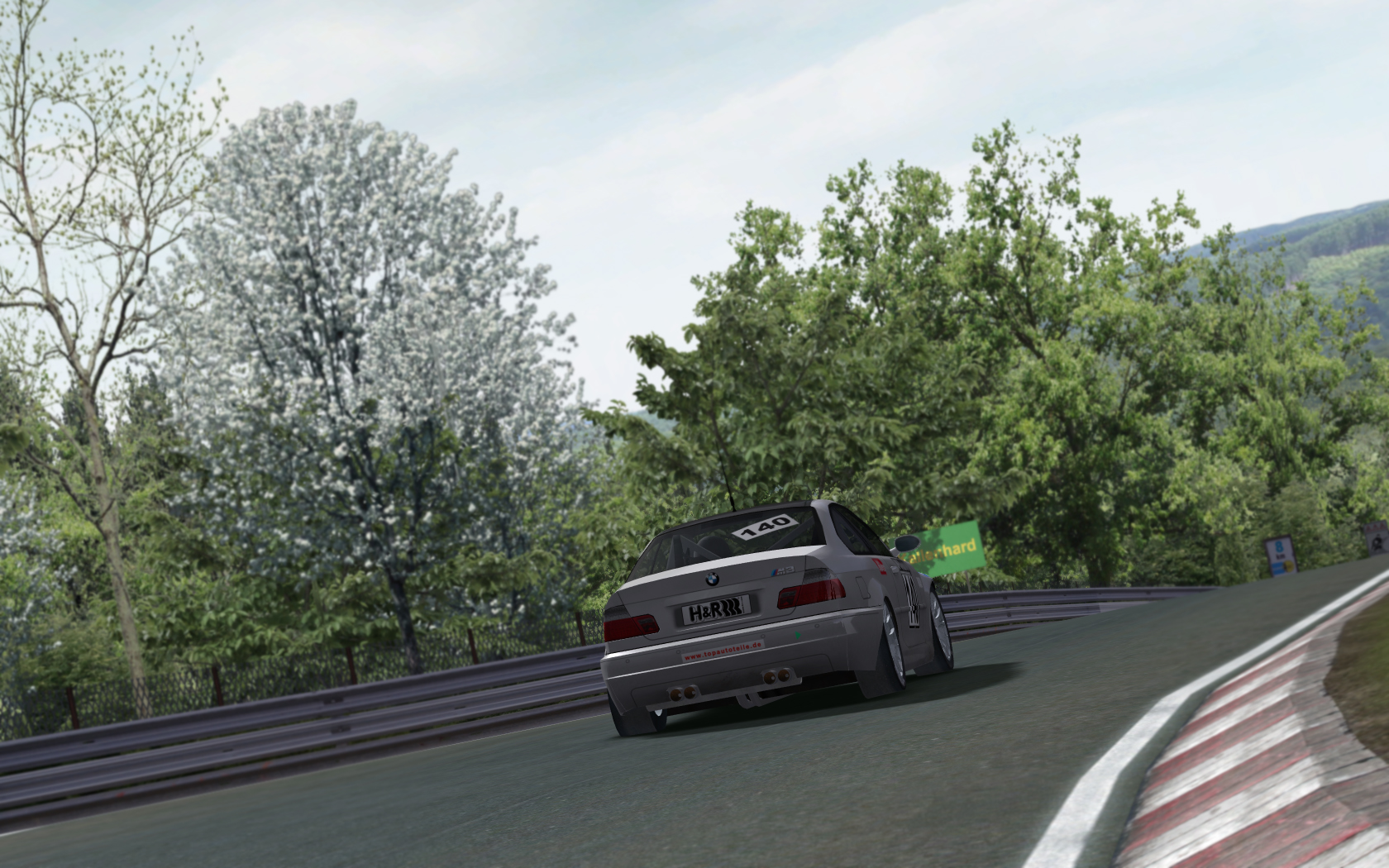
[rF] BMW M3 GT2 Spa 24H Skins


unedited shots:


>>Download skins<<


Make sure to also download the LMS, VLN and Nürburgring 24H skinpack here
It includes some updated car textures and driver suits.

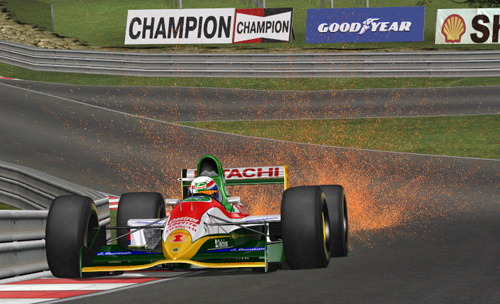
[rF] messing with sparks...


Download Video in better Quality! (right click and save)


Unedited Shot!


How to do it:

ATTENTION THIS CAUSES ONLINE MISMATCHES!

Go to the folder of the specific track you want to have Sparks like these.
Backup the tdf file!

Open tdf file and change the following line under // Other loose special effects

Reaction=spark Tex=spark.tga Max=1024 Duration=2.0 Scale=(4.0,8.00,16.0) Particle=Plane+Deformable DestBlend=InvSrcAlpha SrcBlend=SrcAlpha Shader=AlphaChannel+NoShade

Copy this file in the specific track folder:
Download from rapidshare

You may want to experiment with these numbers
Scale=(4.0,8.00,16.0)
They affect the size of the sparks.

Also feel free to improve the texture,
i made it very quickly..

Note:
Sparks will never look realistic due to the way rF generates them.
Let´s hope rF2 has better special effects.

Have Fun!

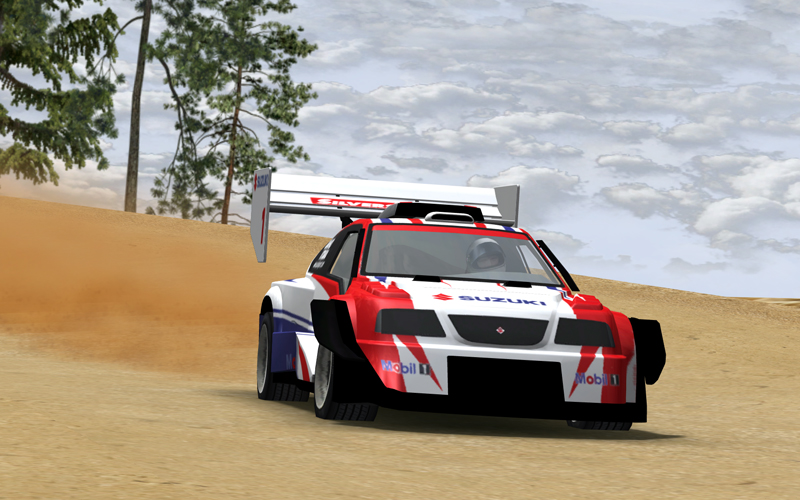
[rF] Pikes Peak - unedited Shots!

The Race to the clouds :)


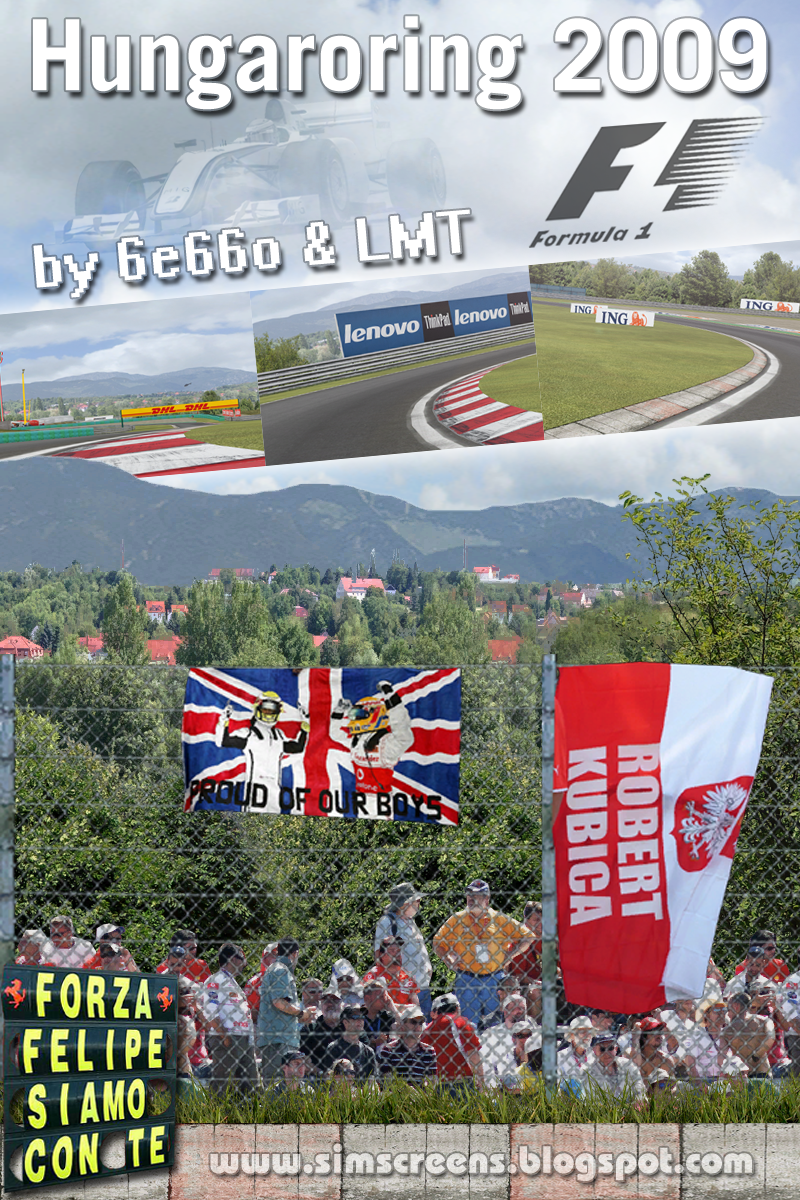
[rF] RELEASE - Hungaroring 2009


Hungaroring 2009 updated by 6e66o & LMT

Changes to EMG Track:

- new chicane (curbs)
- new textures
- new materials
- new shaders
- some new objects
- working videowalls
- waving flags
- moving cloud system
- adjusted ambient colours
- adjusted RoadBumpAmp
- a lot of small fixes

- optional high res horizon Textures (see "high res horizon" Folder)

incl. new Racegroove Texture (copy Racegroove.tga from "Racegroove by 6e66o" Folder to "Locations" Folder)

-----------------------------------------------------------

Install:
just copy GameData Folder in your rFactor Installation!

-----------------------------------------------------------

Credits:

- ISI for the original track in F1c
- EMG (Euro) Danny for bringing the track to rF (couldnt reach Danny to request permission, as he retired from simracing/modding, but i hope he has no problem with this)
- Alexander Schley for new chicane (curbs) & alternative cam
- Virtua_LM for flying objects
- *Com8* for the clouds
- Kendo for tweaking the cam

-----------------------------------------------------------


Hope you enjoy! :)


Previews:
Pictures
Video

DOWNLOAD:
rapidshare
megaupload
mediafire

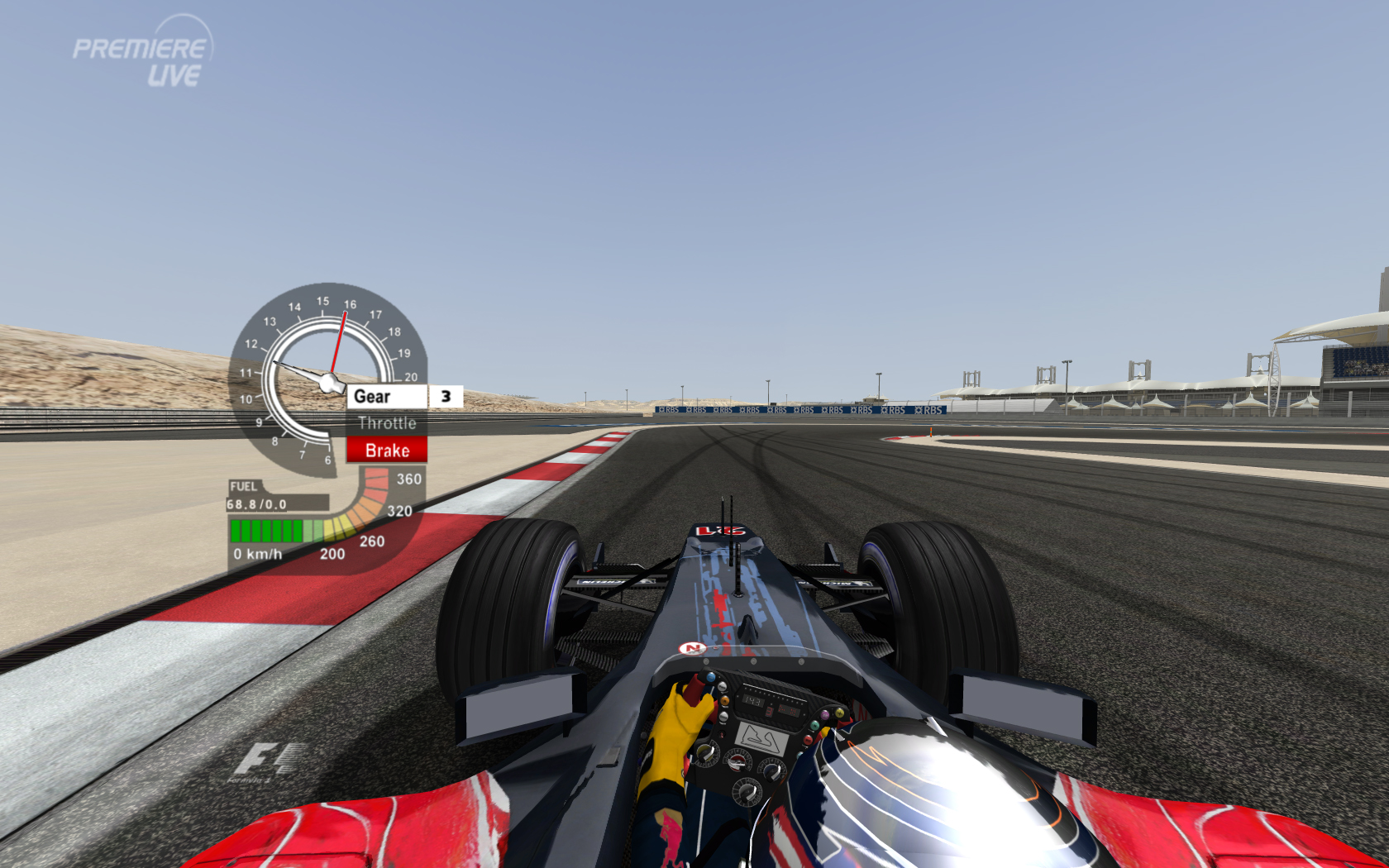
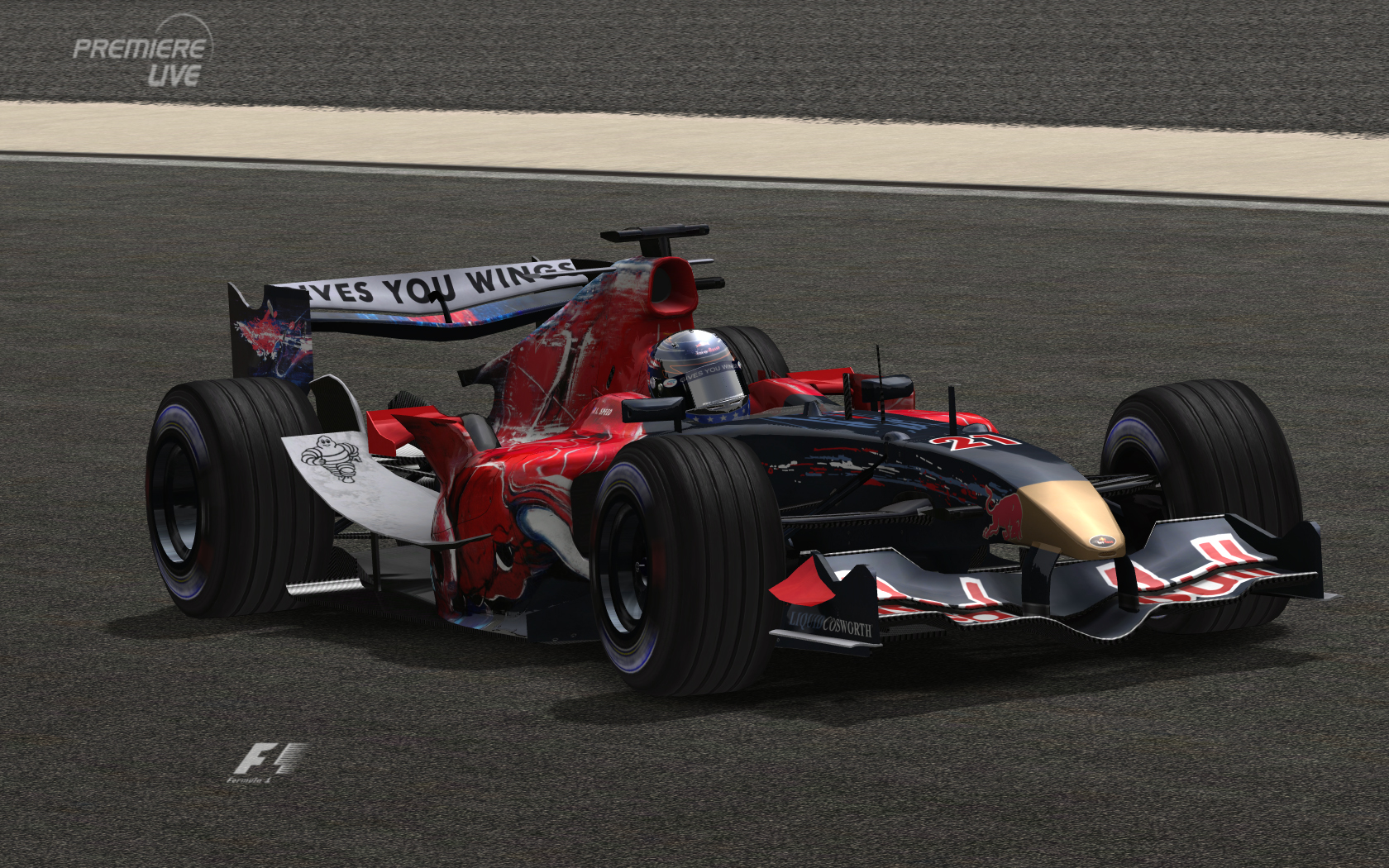
[rF] 2006 Premiere Logo

This is the old Premiere Logo as seen in 2006 F1 Coverage of Premiere.


DOWNLOAD


You need TV Style Plugin installed.

[rF] Sky Textures Pack


unedited Preview Shots:


Sky Textures for rFactor by 6e66o

****************************************

30 Skies ready to use in rFactor


7 Categories of cloud types + dawn & dusk:

Altostratus
blue clear
blue clouded
cirrus
dawn
dusk
overcast


INSTALL:

Select the Sky you like and put the DDS File:

a) in your Track Folder
(for example "GameData\Locations\Nuerburg")
this will affect only this Track

or

b) in your Locations Folder
this will affect all Tracks which use standard rF Skies


Note:
If you have any Sky.dds in Locations Folder, this will override the loose Texture in the Track folder!

Using these Textures will NOT cause online Mismatches!
There will be NO big Hit on your FPS!


I also made Video Tutorial how to make Sky Textures yourself with Photoshop.


CREDITS to the Guys at cgtextures.com for providing us with 360° Panorama Sky Pictures!

DOWNLOAD


enjoy!


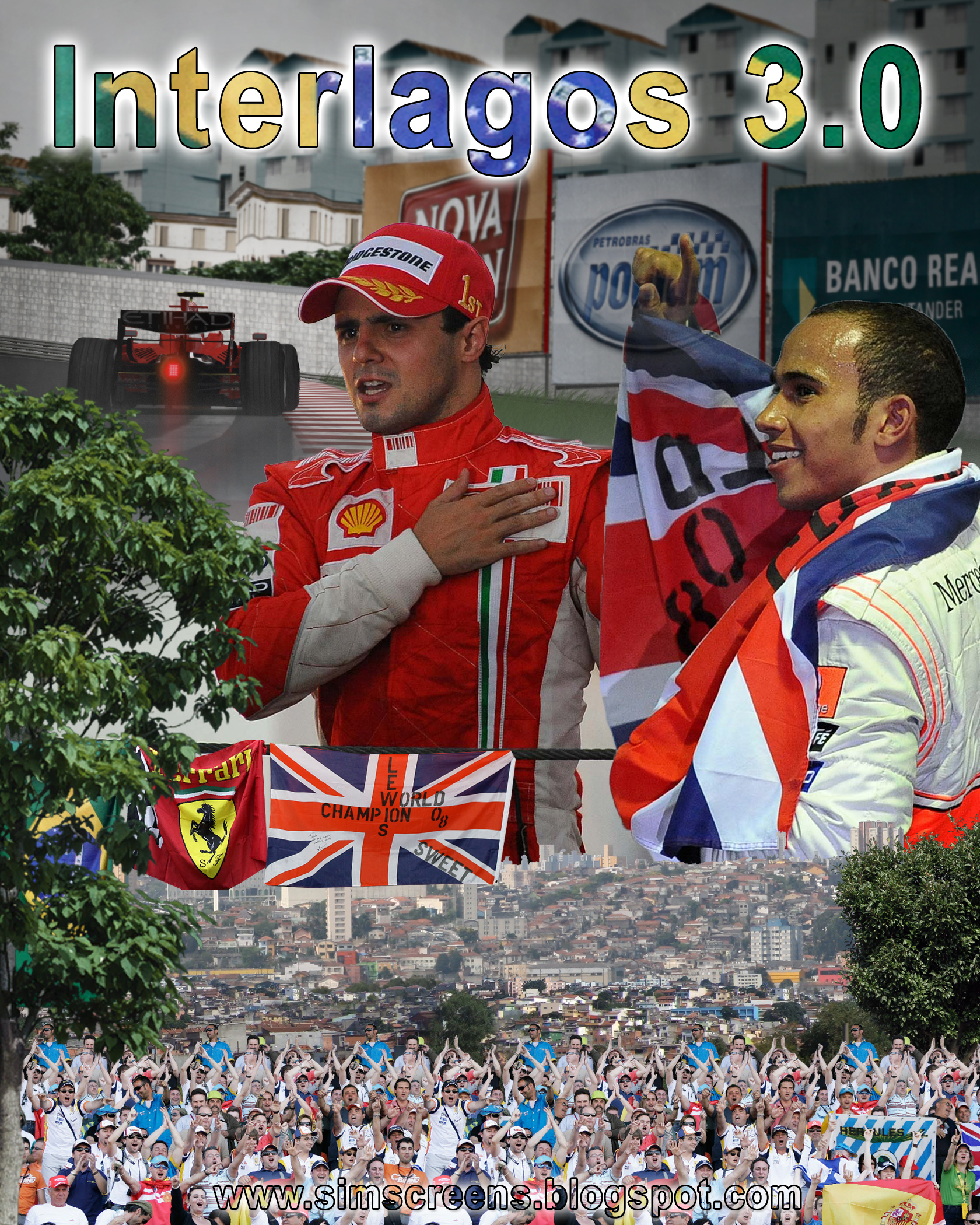
[RELEASE] rF- Interlagos 3.0


Interlagos version 3.0 for Rfactor by Frank Alexandre updated by 6e66o


Whats new in 3.0:
- New Textures
- fixed some minor bugs like poping up buildings


Installation

First, delete the previous version from gamedata/locations, delete also the file Interlagos_GP.hat from the folder userdata/log/hat.
Extract Interlagos_GP to your rFactor/GameData/Locations Folder.


DO NOT COPY THIS TRACK, INCLUDE TO ANY TRACK PACK OR RE-RELEASE TO RFACTOR OR OTHER GAMES WITHOUT FRANK´S PERMISSION.

Thx to Frank for his Track and giving me Permission to release this update.


Unedited Preview Pics:


Preview Video


DOWNLOAD:
Rapidshare
Filefront
Mediafire

[RELEASE] new Cubemaps

New Cubemaps by 6e66o


How to use it:

Search for used cubemap file in your game installation.


Usually it´s placed in a mas/gtr archive in the vehicle folder of your mod/game

Rename my cubemap and paste it in the folder the original cubemap/mas is located.


F.e.

With rF´s CTDP05 Mod you will have to copy your cubemaps called "car_cube_dx9.dds" in
"GameData\Vehicles\CTDP\CTDP", where CTDP05.mas is located

With GTR2 you will have to copy your cubemaps called "EMAP.dds" in
"GameData\Teams" where stex.GTR is located.

etc.

You can also find out how the file must be called opening the car mesh with 3DSimed and looking for the material names.


IMPORTATNT:
Some Mods use an Alpha Chanell in their Car Paints.
You can increase/decrease the amount of reflections on your car by changing the Brightness of it.
Brighter means more Reflections.


******************************************

Feel free to use the file
in your mod projects,
I hope you enjoy!

******************************************

Credits to:

evermotion.org
cgtextures.com


more Previews


DOWNLOAD:
Rapidgator

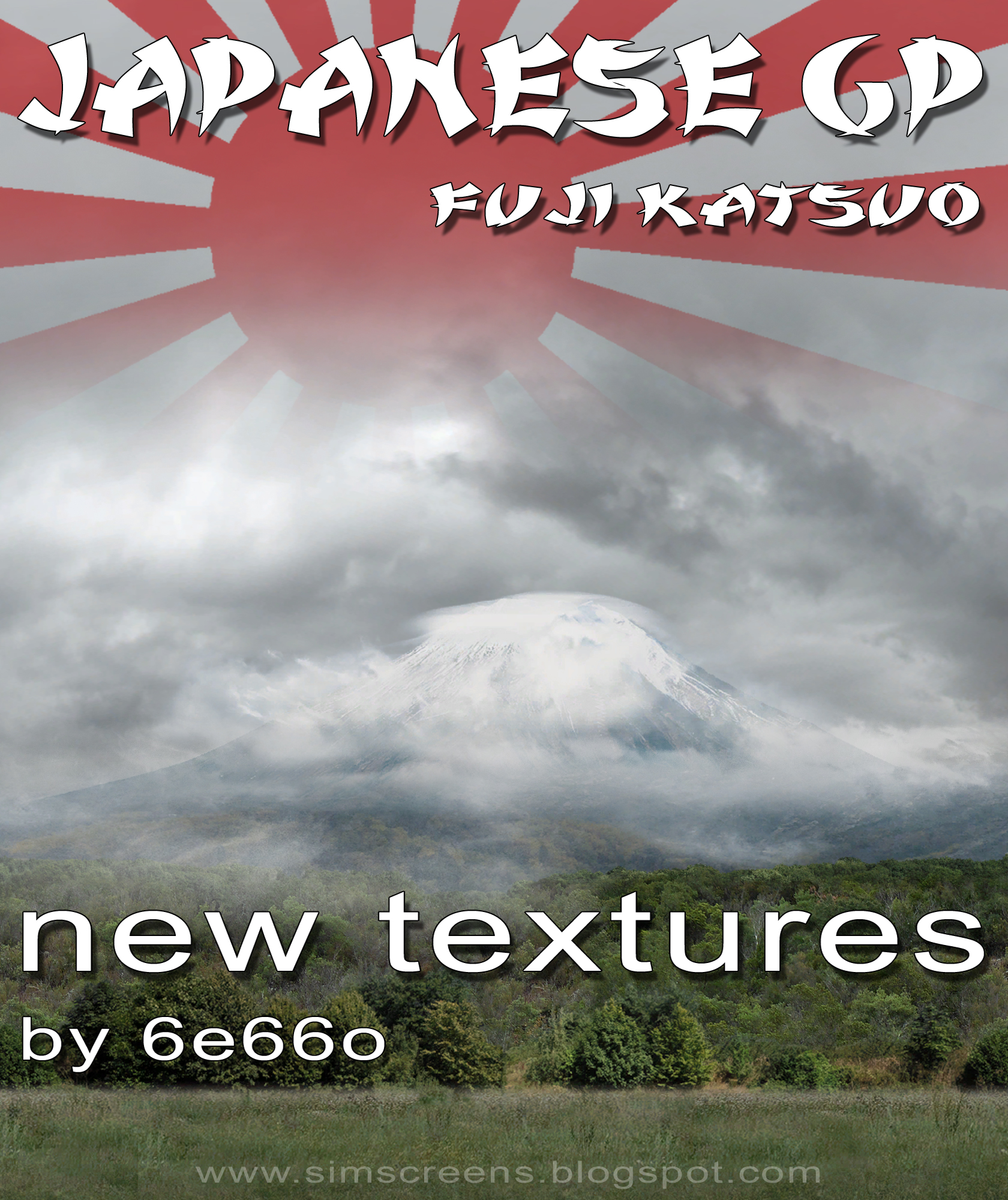
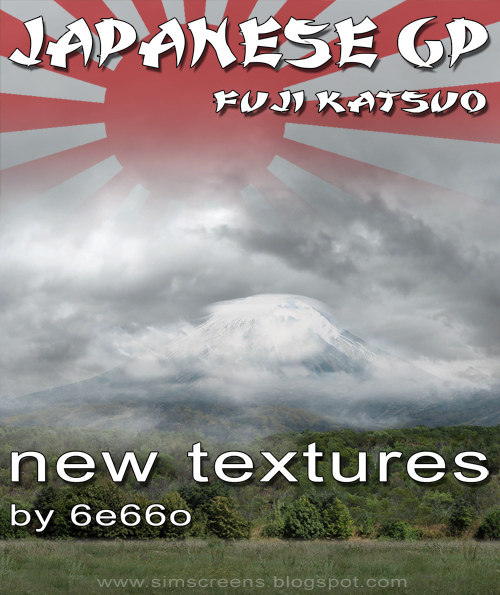
[rF] RELEASE - Fuji Katsuo Textures


rFactor - Fuji Katsuo 1.23 by Katsuo

--------------------------

Japanese GP 2008

new textures by 6e66o

**************************

new Sky
new Horizon
new Trees
new Gras
new Curbs
new Spectators

**************************

Install:
simply copy in your rFactor Folder & overwrite!

Make sure you dont have any sky.dds in your Locations folder in order to make rF load the right file for the track.

**************************

~~~~~~~~~~~~~~~~~~~~~~~~~~~~~~~~~~~~~~~~~~~~~~~~~~~~~~~~~~~~~~~~~~~~~~~~

Note:
You might want to change the colour settings to get a more overcast look
(CAUSES MISMATCHES / Make a Backup!)

Replace these lines in KatsuoFuji.gdb file:

SunriseAmbientRGB = (50,50,85)
SunriseDirectionalRGB = (145,130,120)
SunriseFogRGB = (255,250,250)

DayAmbientRGB = (105,105,105)
DayDirectionalRGB = (155,155,155)
DayFogRGB = (77,80,82)

SunsetAmbientRGB = (70,74,85)
SunsetDirectionalRGB = (155,140,130)
SunsetFogRGB = (255, 250, 250)

NightAmbientRGB = (5,10,23)
NightDirectionalRGB = (30,30,30)
NightFogRGB = (0,0,0)

~~~~~~~~~~~~~~~~~~~~~~~~~~~~~~~~~~~~~~~~~~~~~~~~~~~~~~~~~~~~~~~~~~~~~~~~

Thx to Katsuo for this brilliant Track!


enjoy!

6e66o | www.simscreens.blogspot.com


unedited Previews:


Preview Video

DOWNLOAD:
Rapidshare
Filefront
Mediafire

View random post

Followers